
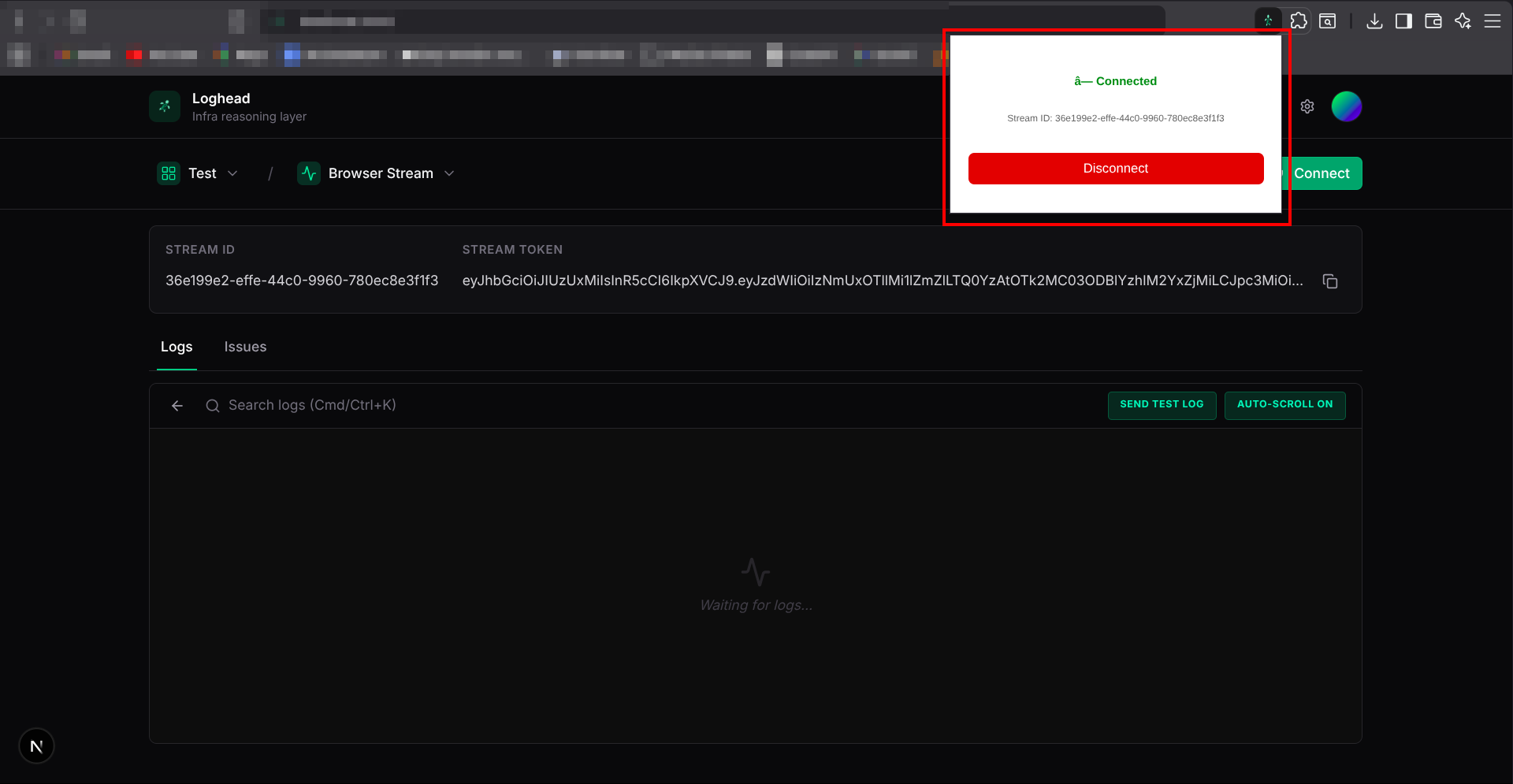
Seamless Browser Console Logging in Loghead Cloud
Streaming browser logs to Loghead Cloud provides real-time observability for your frontend applications, allowing you to capture console errors, warnings, and informational logs directly from your users' browsers or your own testing environments.
Why Ingest Browser Logs?
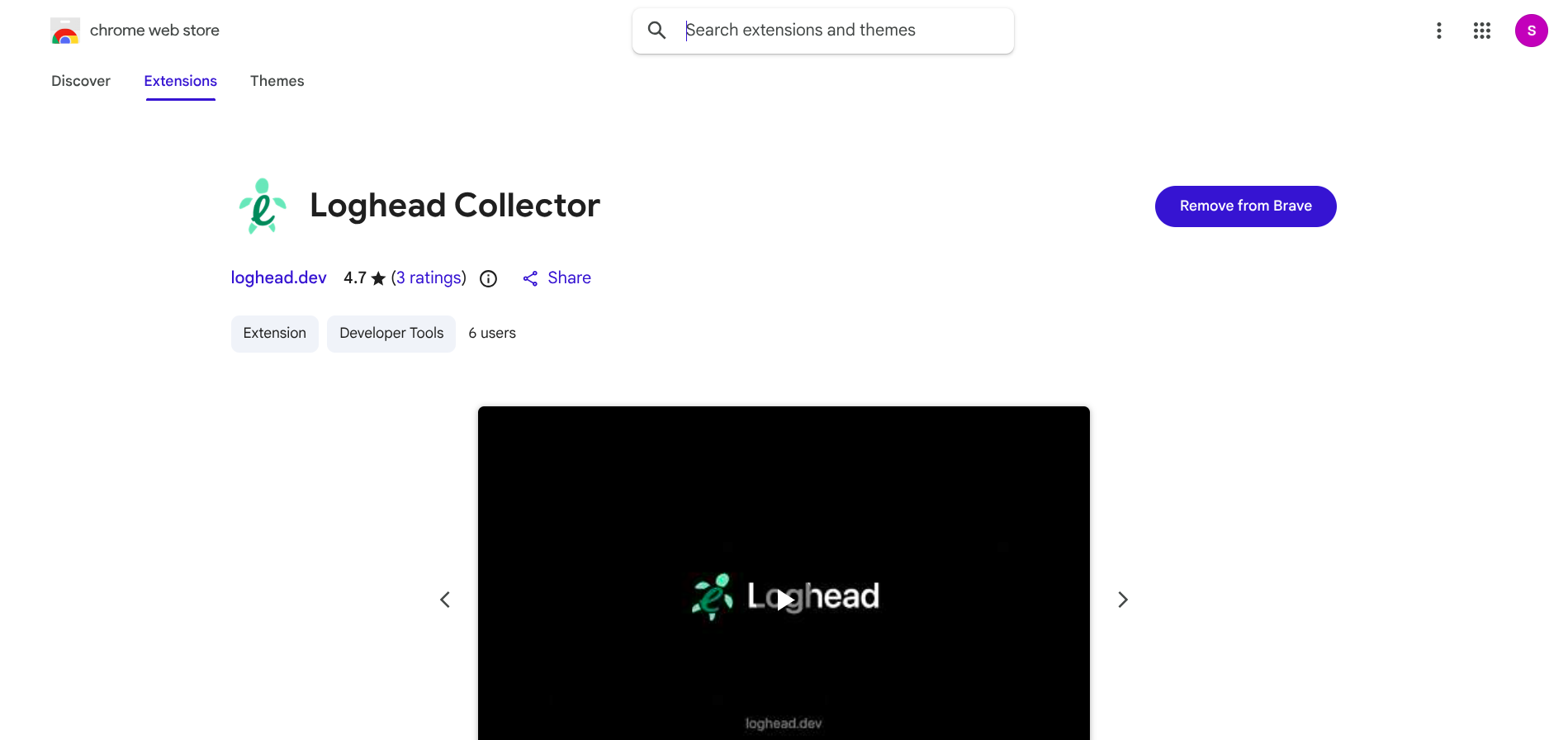
When debugging frontend issues, reproducing console errors across different environments can be challenging. By using the Loghead Collector extension to pipe browser console output directly to Loghead Cloud, you gain:
- Centralized storage for all your frontend console logs without modifying your app's codebase.
- Powerful search to quickly identify JavaScript errors, failed network requests, or warnings.
- Easy debugging across local development, staging, and production environments.
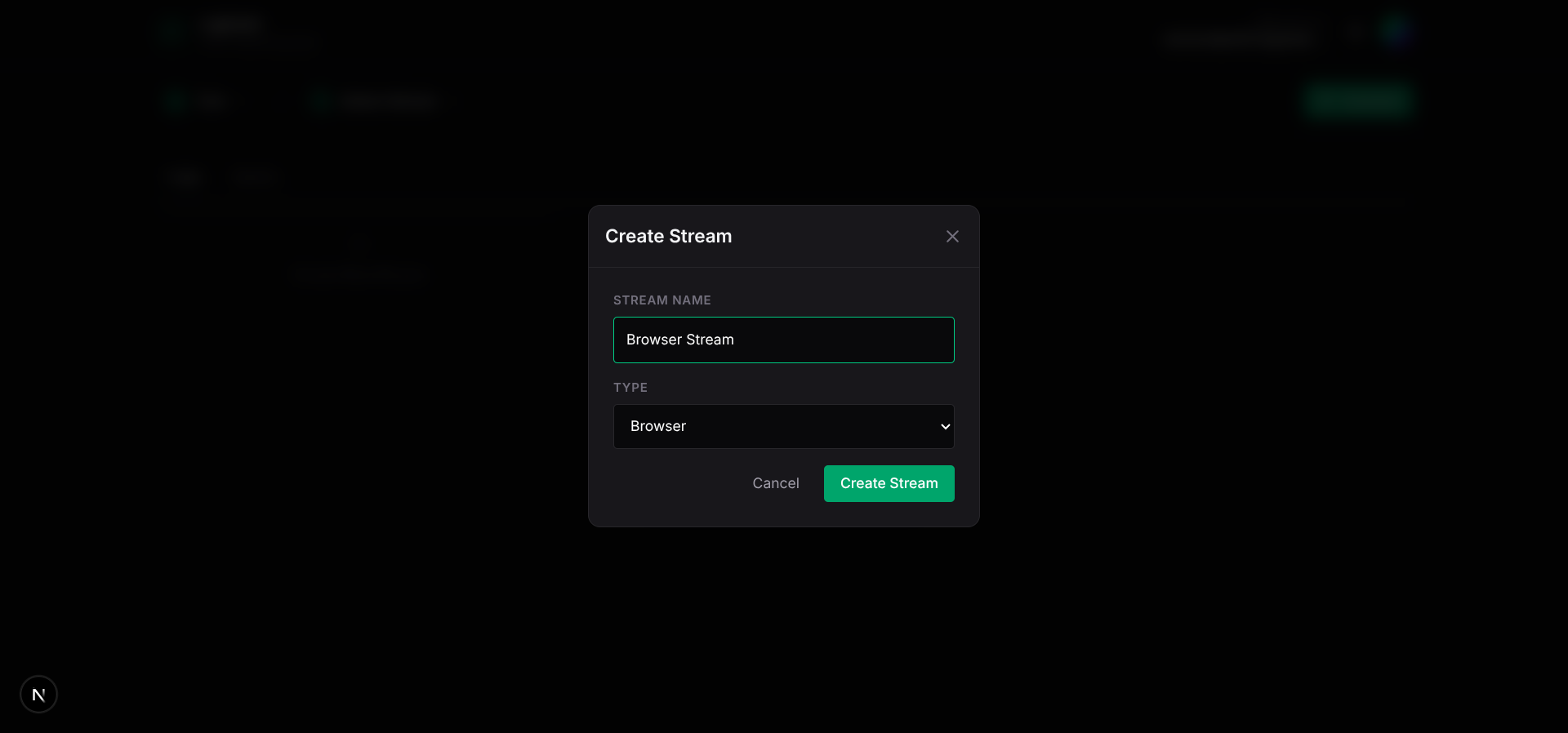
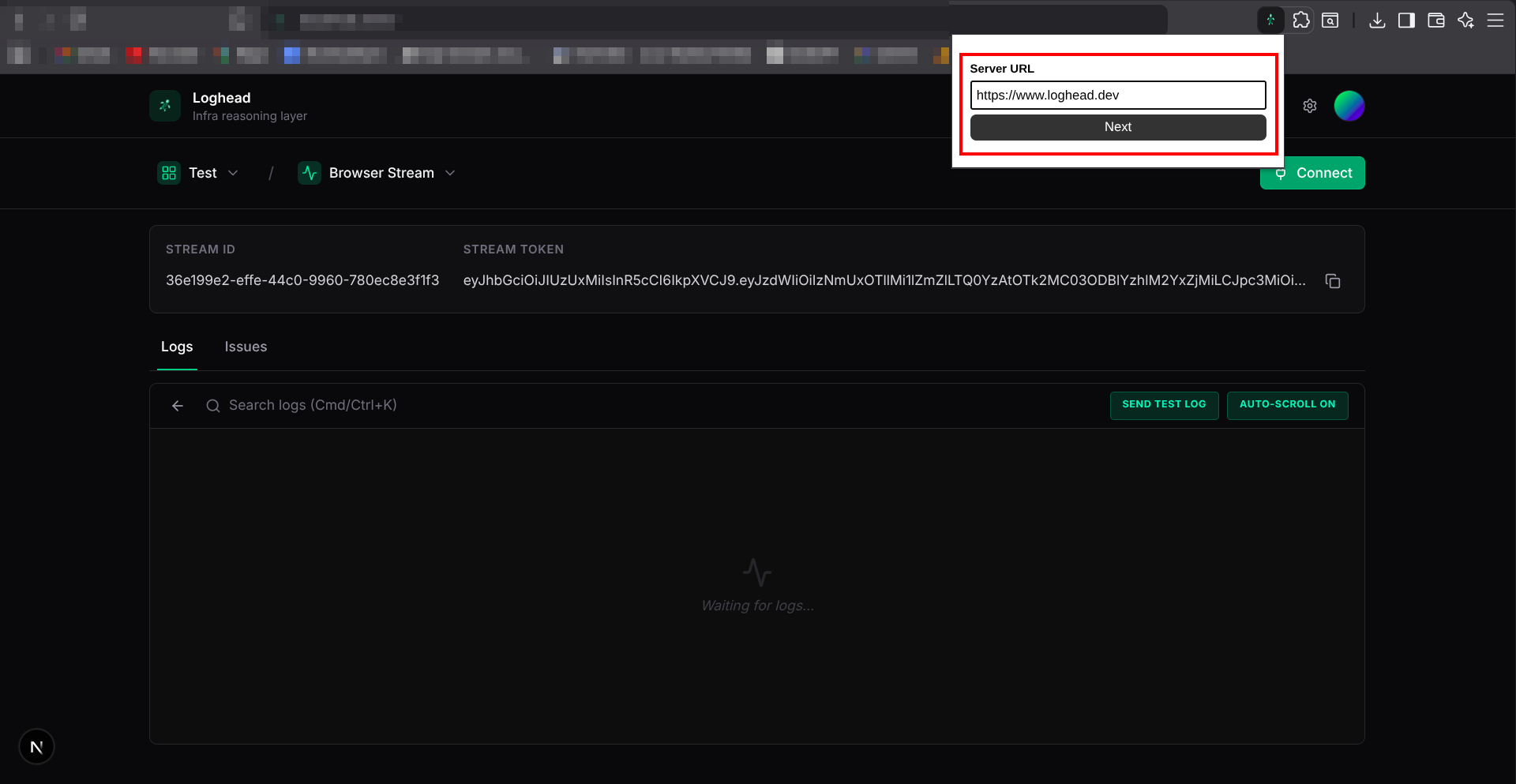
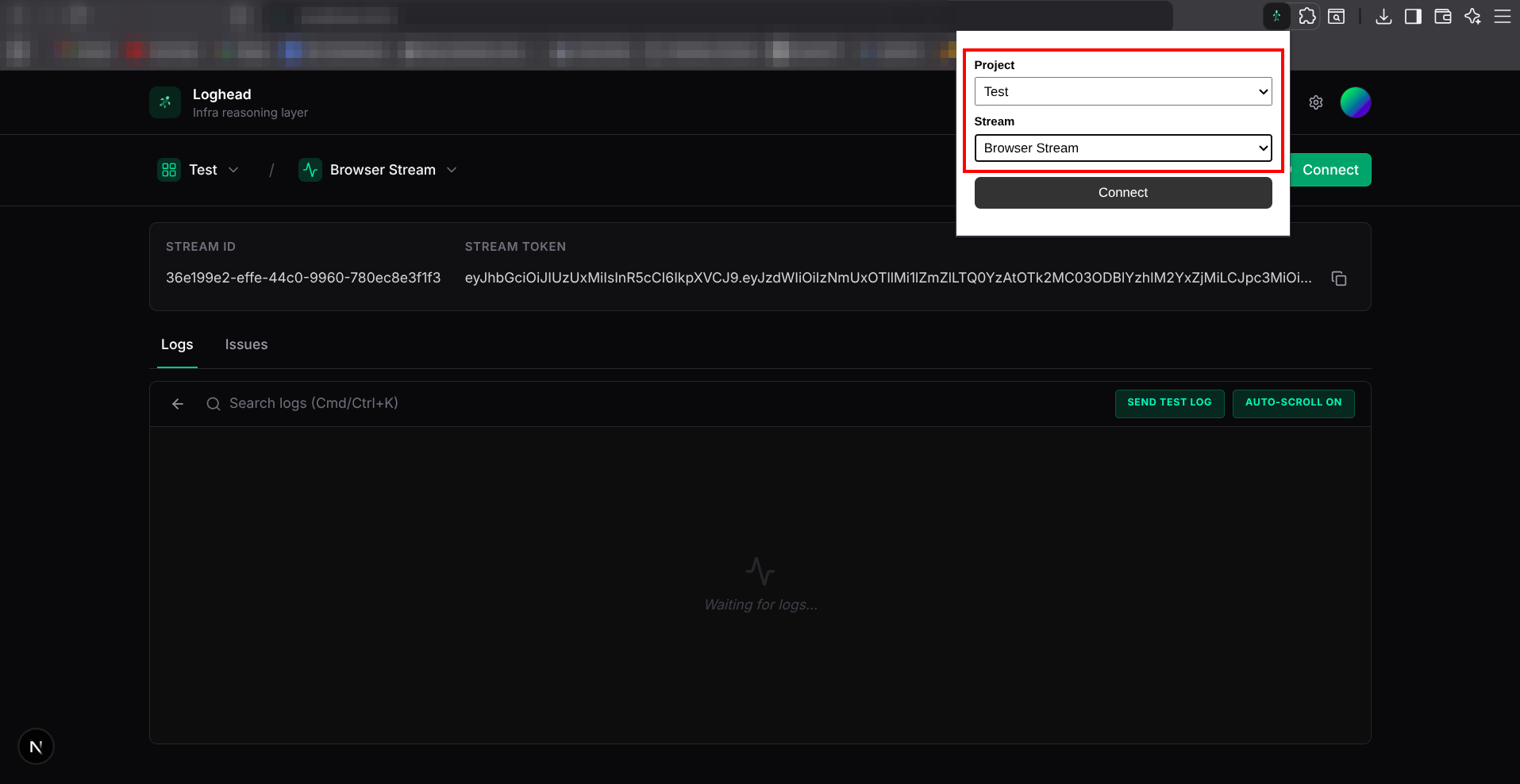
Getting Started via the UI
By following the solution steps above, you can securely stream any browser console output directly into your cloud dashboard. After successfully sending your first browser logs by reloading the page, try exploring the Search and Analytics tabs in the Loghead Cloud UI to filter your frontend logs by severity, timestamp, and specific keywords.